Old Photo Restoration, Retouching, and Reviving
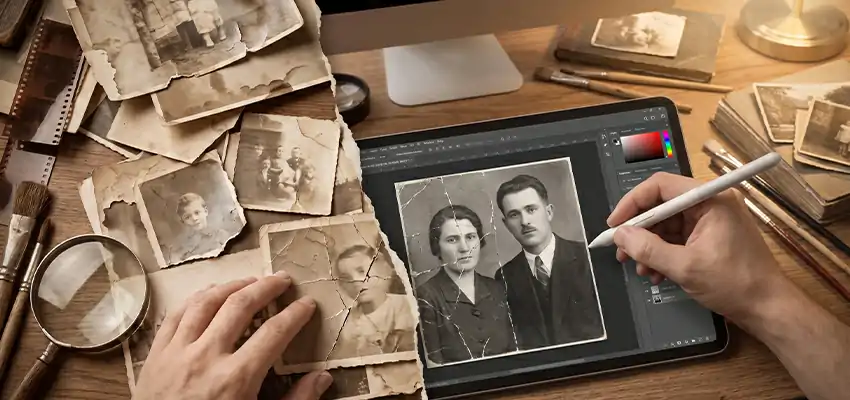
I still remember pulling an old photo out of my grandmother’s drawer years ago, half of it faded to almost nothing, a crack running right through her face. It hit me harder than I expected. That’s the thing about old photographs. They’re not just paper with ink on them. They’re the only proof some moments ever happened.
Most people who go searching for a photo restoration service aren’t thinking about pixels or software. They’re thinking about a grandparent who’s gone, a friend they lost touch with, a childhood home that got torn down years ago. The photo itself is just the container. What people actually want back is the memory.
Why We Cling to These Old Pictures
Look through any family photo album and you’ll probably find at least one person who isn’t around anymore. Maybe more than one. And that’s exactly why these photos matter so much more than a random picture on your phone. Once they’re gone, that’s it. There’s no negative to reprint, no cloud backup, nothing.
There’s also that strange comfort in comparing then and now. A wedding photo sitting next to an anniversary photo forty years later. A house that looks nothing like it used to. Old photos give you a kind of timeline that feels more real than dates on a calendar ever could.
Problem is, printed photos age badly. Paper doesn’t like humidity. It doesn’t like sunlight. It definitely doesn’t like sitting in a cardboard box in someone’s attic for three decades. Colors shift, corners curl up, and sometimes the whole print just tears without anyone even remembering how it happened.
Once a photo gets scanned though, it can basically last forever. That’s really the whole point of restoration work, turning something fragile and fading into a digital file that can be fixed and kept safe for good.
Actually, if you want to see this in action rather than just take my word for it, we’ll restore two of your photos for free. No strings, just a chance to see the results before deciding anything.
Every Damaged Photo Is Its Own Puzzle
Some photos just need light cleanup, a bit of dust removed here, a small crease smoothed out there. Others come in torn down the middle, missing a whole section, or so washed out you can barely tell there’s a face in the frame. The amount of work depends entirely on the photo, and honestly, every one of them is a little different.
What doesn’t change is the goal. Get it back to how it actually looked, not some guessed-at version of it. That takes patience more than anything, because one wrong move on a face and the whole thing looks fake instead of restored.
What Actually Happens During Restoration
First things first, you need a good digital copy. That means scanning the print at a high resolution, or if scanning isn’t possible, photographing it carefully under decent lighting.
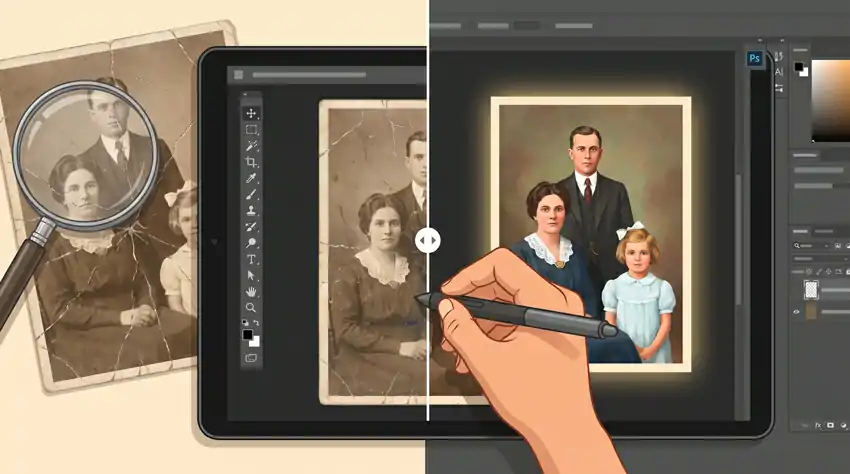
From there, the basic cleanup starts. Fixing exposure, correcting contrast, converting old black-and-white shots to color if that’s what’s wanted, removing dust and scratches, straightening a crooked frame, cropping out rough edges. Honestly, a lot of photos look completely different after just this stage, before anyone even touches the harder stuff.
The harder stuff is rebuilding what’s missing. Say part of someone’s cheek got torn away, or half their hair is gone from water damage. The retoucher has to recreate that piece using another part of the same photo, or sometimes a similar photo of the same person if one exists. This is where things can go wrong fast. Rush it, and the patched area looks obviously pasted on instead of blending in.
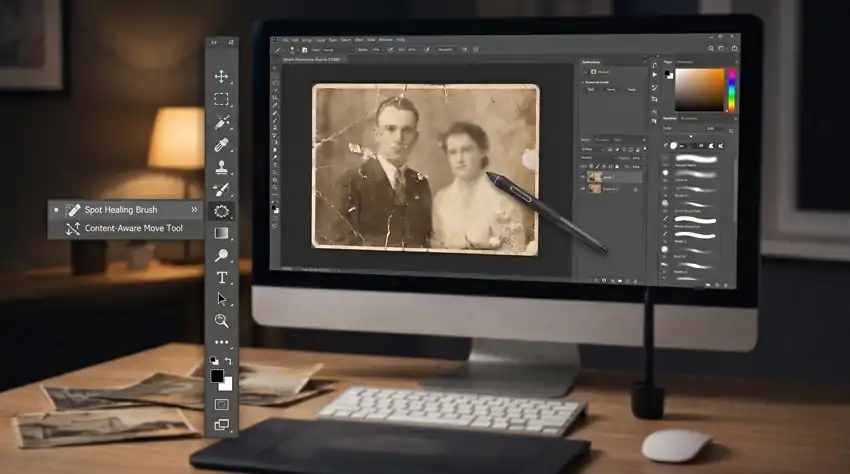
As for tools, Photoshop has more or less everything needed. The pen tool for careful selections. The healing brush for small blemishes. The clone stamp for bigger missing chunks. The crop tool for fixing borders. None of these do much on their own, honestly. It’s really about knowing which one to reach for and when.
Walking Through an Actual Restoration
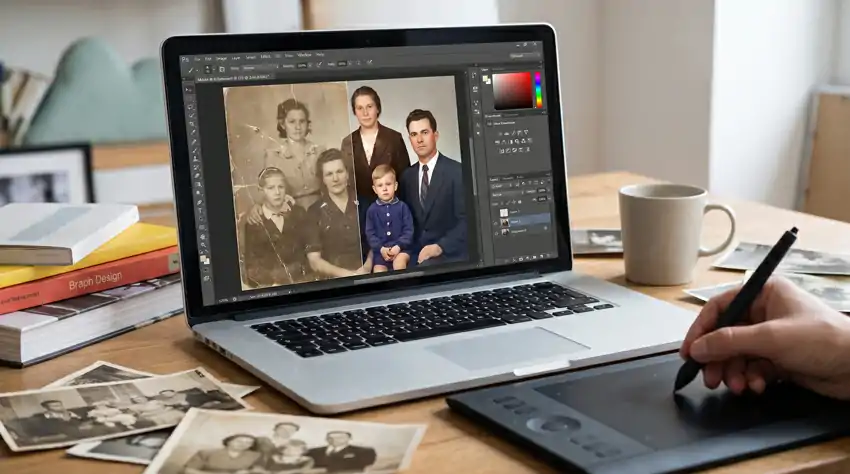
Here’s roughly how it plays out in practice, if you’re curious.
You start by duplicating the original layer and doing all the work on the copy, never touching the original file directly. Sounds like a small thing, but it saves you when something goes sideways halfway through, which happens more often than you’d think.
Then comes cropping and straightening, getting the frame and proportions sitting right before anything else gets touched. After that, the small stuff. Speckles, minor scratches, tiny tears, all handled with the spot healing brush, which blends them in almost on its own. Bigger tears need the clone stamp instead, pulling texture from somewhere nearby to fill the gap convincingly.
Once the damage is dealt with, it’s about light and shadow. Dodge brightens where things went flat. Burn darkens where the subject needs to pop back out from the background. And color comes last, curves, levels, saturation, exposure, whatever it takes to get skin tones and backgrounds looking believable again instead of washed out or overly warm.
It’s a lot of steps, and none of them are particularly glamorous. But that’s the actual difference between slapping a filter on a photo and genuinely restoring it. One just changes how it looks. The other makes it look like itself again, just in better shape than it’s been in years.
Why Any of This Matters
Nobody restoring an old photo cares about the technical side, not really. They care about seeing their dad’s face clearly again after twenty years of a faded print, or finally being able to frame something that’s been sitting broken in a drawer since forever. That’s the whole point of the work. Giving someone back something they’d already written off as gone for good.
If you’re running a design studio or agency and need this done at scale, the same process holds up whether it’s five photos or five hundred. Same care, same steps, just applied across more images at once.
Old photos don’t have to stay damaged. Most of them can come back looking close to how they used to, sometimes even better than people remember.