10 Best HDR Photography Software to Make Your Images Pop

HDR lets you take photos that look more like what you see. It combines several shots with different brightness levels into one image. This results in more vivid colors and improved lighting.
But here’s the catch- HDR photos need the right software to shine. Without it, you may get unnatural colors, odd halos, or flat results. Whether you’re a beginner or a pro, the right HDR tool can greatly improve your editing workflow.
In this post, we share the top HDR photography software for you. This list features strong tools for pros and easy options for beginners. If you want to make stunning images that catch attention, you’re in the right place.
Let’s dive in and find the perfect HDR tool for your creative vision.
What Separates Good HDR Software from Bad HDR Software
Here’s the honest truth: most HDR programs can merge photos. That part’s not hard anymore. What separates the good ones is what happens after the merge.
Tone mapping you can actually trust
This is the part that decides how your highlights, midtones, and shadows blend together after merging. Do it badly and you get that flat, over-processed HDR look everyone hates. Do it well and nobody even notices you used HDR at all.
Merging that doesn’t introduce a mess
Bracketed shots (usually three or more at different exposures) need to line up cleanly. If the software can’t handle slight hand movement or subtle misalignment, you’ll see noise creeping in or edges that don’t quite match.
Ghost removal that isn’t an afterthought
Try shooting HDR near moving traffic or people walking through frame and you’ll immediately understand ghosting. Objects appear doubled, blurred, or half-transparent. Good software catches this on its own, or at least gives you a way to paint it out manually.
A result that still looks like a photograph
Plenty of HDR tools crank saturation and contrast until the image looks painted rather than shot. Unless that’s the specific look you’re chasing, you want restraint built into the software, not just power.
Real RAW support
If you shoot RAW, and honestly you should, the software needs to actually read and process that file properly instead of treating it like a glorified JPEG.
An interface that doesn’t fight you
Nobody wants to watch a 40-minute tutorial to merge three exposures. The good tools keep things visible and simple without hiding away the features you actually need.
Batch processing, if you shoot a lot
This one’s less flashy but it saves real hours if you’re processing dozens of brackets from a single shoot.
Decent presets
Even experienced editors use presets as a jumping-off point rather than a final answer. For beginners they’re often the fastest route to something usable.
Export flexibility
Sometimes you need a small JPEG for a website. Sometimes you need a 16-bit TIFF for print. Good software lets you choose without a fight.
Top 10 HDR Photography Software in 2026
Get a realistic glow in your images? These 11 HDR software options offer powerful features and quality results for all skill levels.
1. Luminar Neo – AI-Powered Photo Editing
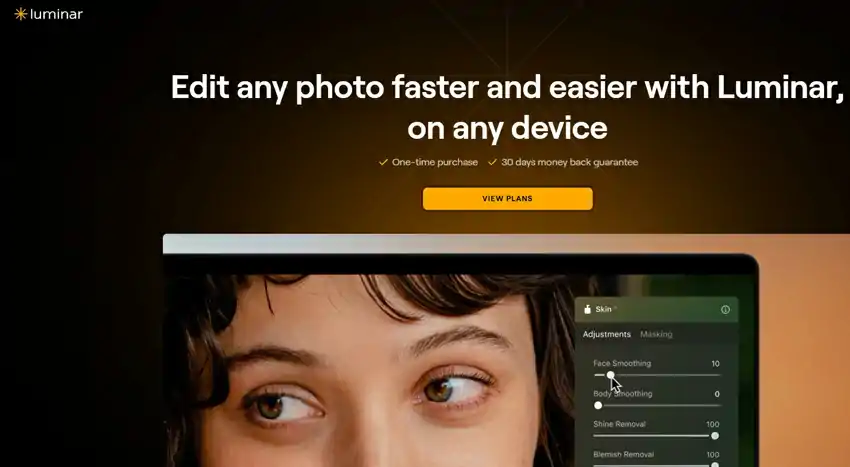
Luminar Neo stands out with its powerful HDR Merge extension and AI photo editing tools. It combines intelligent automation with creative freedom, making it a favorite for modern photographers.
Luminar Neo edits photos with AI sky replacement and portrait enhancement. Its HDR Merge extension blends up to 10 bracketed exposures for balanced lighting. And, it provides natural, clean results with smart features and RAW file support.
Key Features:
- HDR Merge extension to blend bracketed photos (up to 10 images)
- AI tools for structure, tone, detail, and lighting
- Full RAW support with non-destructive editing
- Presets (called “Presets”) for one-click enhancements
- Creative features like sky replacement, bokeh, and relighting
- Works as a standalone app or Photoshop/Lightroom plugin
Pros:
✔️ Combines HDR editing with full AI-powered photo retouching
✔️ Clean, realistic HDR results with minimal effort
✔️ Beautiful interface and smooth workflow
✔️ Works well as both a primary editor or plugin
Cons:
❌ HDR Merge is a paid add-on—not included by default
❌ Requires a fairly modern computer for smooth performance
❌ Subscription options can be confusing
Price:
Luminar Neo license: Starts at $79 (one-time or subscription)
HDR Merge extension: Included with the Extensions Pack or Luminar Neo Pro Plan
2. Photomatix Pro – A Reliable Classic
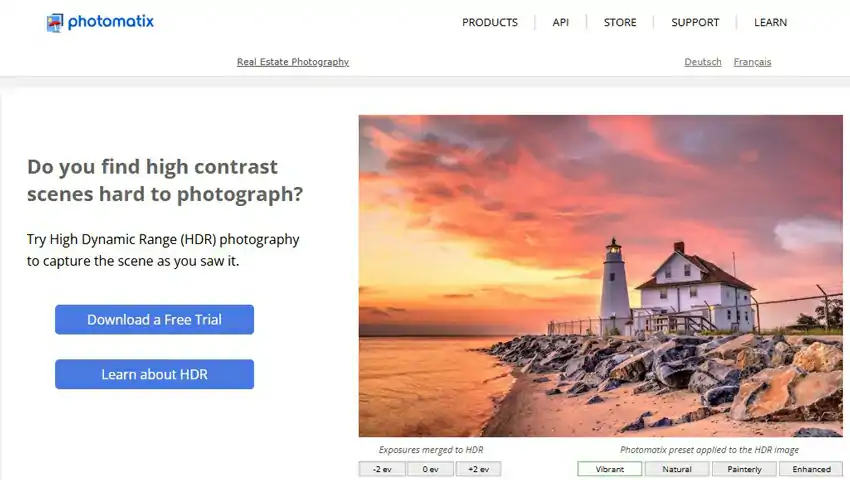
Photomatix Pro is a trusted name in HDR photography. It offers consistent, high-quality results, especially in real estate, landscape, and architectural photography.
The software combines powerful tone mapping with a user-friendly workflow. It has a strong ghost removal feature, useful for dealing with moving objects. Additionally, it offers multiple HDR styles, from natural to surreal effects.
Key Features:
- Merge bracketed exposures with tone mapping, exposure fusion, and HDR blending
- Automatic ghost removal and alignment tools
- Custom presets and built-in styles for quick edits
- Batch processing to save time on large sets of photos
- RAW support and 16-bit output
- Plugin available for Adobe Lightroom
Pros:
✔️ Powerful HDR merging with deep tone mapping options
✔️ Reliable batch processing
✔️ Excellent ghost and alignment correction
✔️ Lightweight software that runs smoothly on most systems
✔️ One-time purchase, no subscriptions
Cons:
❌ Interface feels slightly outdated compared to newer tools
❌ Not as customizable or modern as Aurora HDR
❌ Lacks layer support and AI enhancements
Price: One-time purchase of around $99, with a free trial available.
3. Adobe Lightroom (HDR Merge) – Seamless HDR Editing
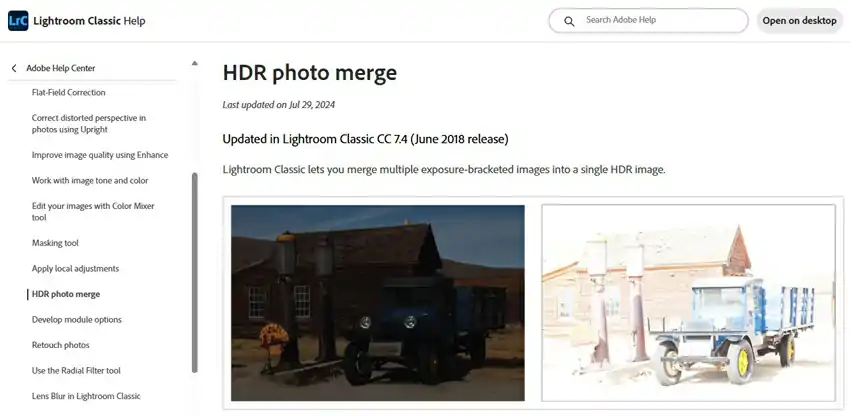
Lightroom’s built-in HDR Merge feature is simple and fast. It blends multiple exposures inside your catalog, keeping your workflow non-destructive and RAW-friendly.
It may not provide the deepest tone-mapping controls, but it produces natural-looking results without halos, noise, or strange contrast. It’s ideal for photographers who like a clean, simple, and efficient editing style.
Key Features:
- HDR Merge directly from RAW files
- Non-destructive editing with full Lightroom controls
- Smooth and fast integration with your existing photo library
- Sync settings across multiple HDR images
- Clean, realistic results with balanced highlights and shadows
Pros:
✔️ Fully integrated with Lightroom—no extra software needed
✔️ Works well for photographers who already shoot in RAW
✔️ Non-destructive editing means you can always go back
✔️ Excellent for subtle, natural HDR looks
✔️ Great for batch-editing and syncing across multiple photos
Cons:
❌ Limited creative controls compared to Aurora or Photomatix
❌ No advanced tone mapping or presets
❌ Requires a Creative Cloud subscription
Price: Included with the Adobe Photography Plan (Lightroom + Photoshop) for $9.99/month.
4. Adobe Photoshop (HDR Pro) – Control for Advanced HDR Editors
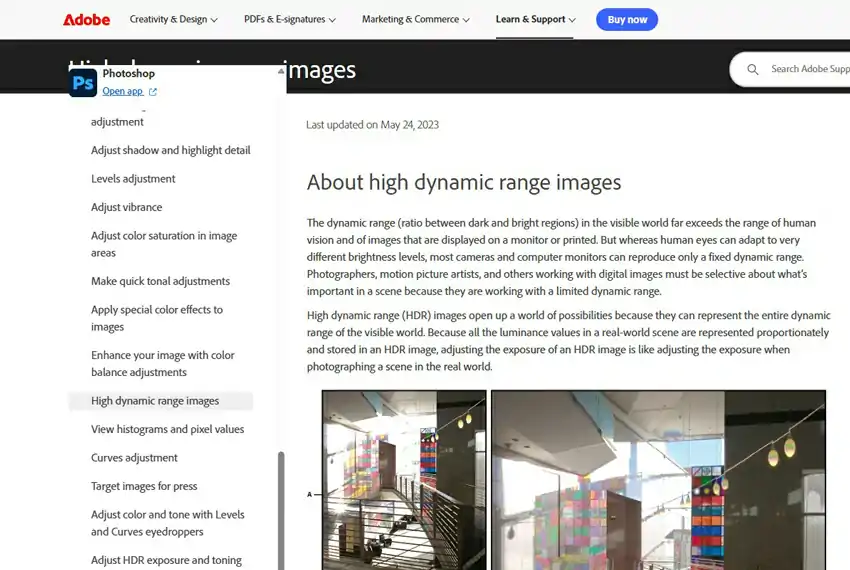
Photoshop’s HDR Pro offers full creative freedom over HDR images. It’s not quick, but delivers unmatched precision for those who know what they’re doing.
This tool is for photographers who want complete control, with manual merging, layer and mask adjustments, and curve controls. It’s ideal for users seeking realistic, dramatic, or artistic effects.
Key Features:
- Manual HDR Merge with exposure, gamma, and detail control
- Supports 32-bit, 16-bit, and 8-bit tone mapping workflows
- Advanced editing with layers, masks, and brushes
- Full access to Photoshop’s editing tools post-merge
- Works great with Adobe Camera RAW and Lightroom integration
Pros:
✔️ Extreme flexibility with manual editing tools
✔️ Professional-grade results with layer-based control
✔️ Ideal for complex HDR composites
✔️ Works well in tandem with Lightroom
Cons:
❌ Steep learning curve for beginners
❌ Slower workflow compared to AI-driven tools
❌ Requires Adobe Creative Cloud subscription
Price: Included in the Adobe Photography Plan ($9.99/month), or as part of Photoshop single-app subscription.
5. EasyHDR – Simple Yet Powerful HDR Editing
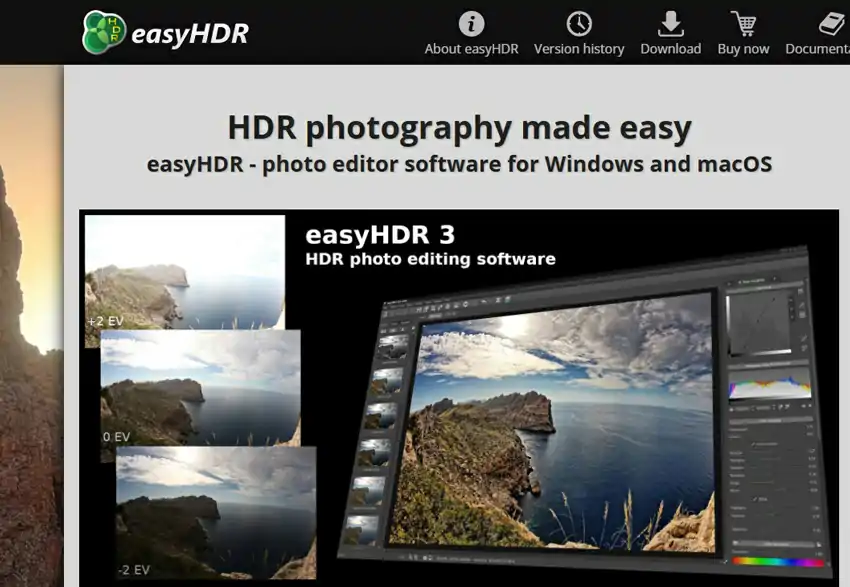
EasyHDR is user-friendly HDR software that combines simplicity with editing power. It’s perfect for beginners and intermediate photographers.
The software automates tone mapping, alignment, and ghost removal. It also lets you make manual adjustments. It supports RAW, JPEG, TIFF, and PNG files. You can see real-time previews for instant feedback.
Key Features:
- Automatic exposure alignment and ghost removal
- Real-time tone mapping preview
- Full RAW file support
- Preset library plus manual adjustment tools
- Export to JPEG, TIFF, PNG with high-quality output
- Supports batch processing
Pros:
✔️ Beginner-friendly with helpful presets
✔️ Advanced options available for custom edits
✔️ Great value for the price (one-time payment)
✔️ Supports all major image formats
✔️ Lightweight and fast software
Cons:
❌ Not as feature-rich as Aurora or Photoshop
❌ UI could look more modern
❌ Limited creative tools for artistic HDR styles
Price: One-time license starting at $29 for personal use, with a free trial available.
6. HDR Projects– Creative Freedom for HDR Lovers
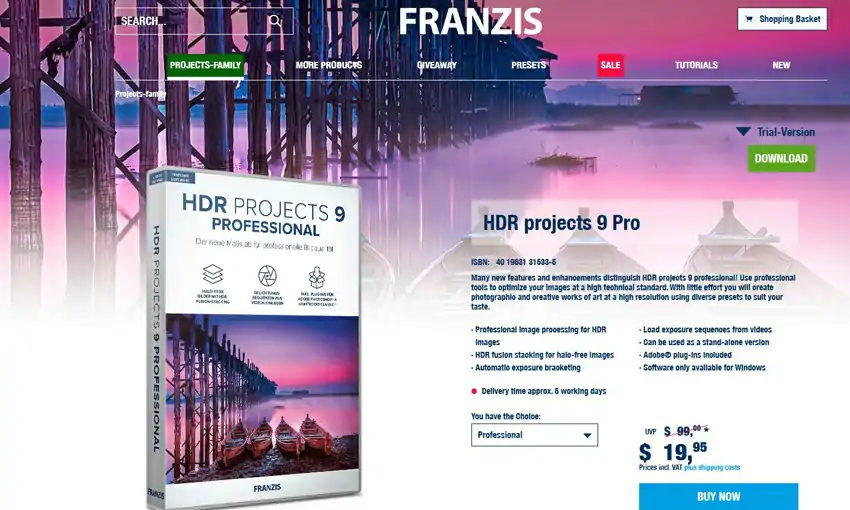
HDR Projects is for photographers who want creative flexibility and deep customization in their HDR editing. It’s not just a merge and export tool, but a platform to experiment and push limits.
The software offers four HDR rendering engines, hundreds of presets, and manual control over lighting, color, and contrast. It supports 16-bit and 32-bit work and uses adaptive algorithms to achieve stylized, painterly, or realistic results.
Key Features:
- Over 100 customizable presets for various HDR styles
- Ghosting correction, alignment, and tone-mapping engines
- Works with JPEG, RAW, TIFF, PNG, PSD
- Built-in image post-processing tools
- Batch processing support for large projects
- Manual tools for local adjustments and filters
Pros:
✔️ Creative presets for dramatic and natural looks
✔️ Multiple rendering engines for different outcomes
✔️ Great for artistic and surreal HDR images
✔️ Strong noise reduction and detail enhancement
✔️ One-time payment—no subscriptions
Cons:
❌ Interface may feel overwhelming at first
❌ Learning curve for new users
❌ Slower performance on low-spec machines
Price: One-time license around $19.95 (offer), with frequent discounts and a free trial version available.
7. Luminance HDR – Best Free HDR Software
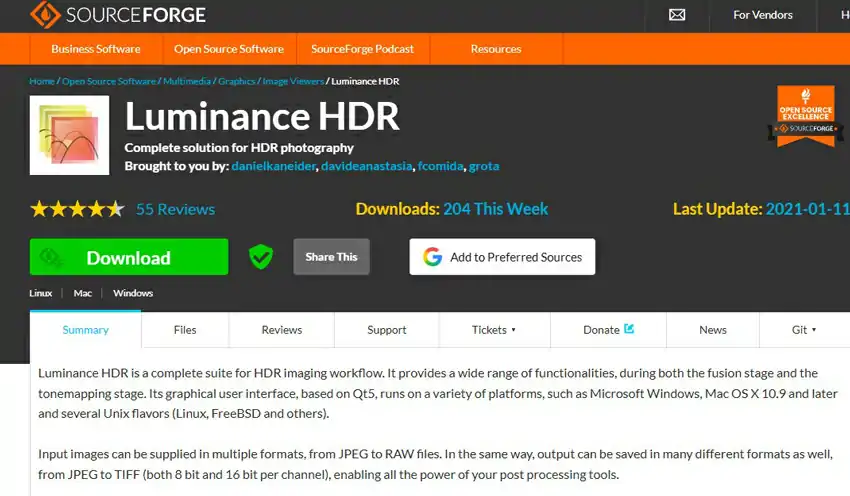
Luminance HDR is a great starting point for HDR newbies or those on a budget. This free, open-source software creates HDR images without costing a dime. It may not be as polished as premium tools, but it does the basics well.
You can load multiple bracketed exposures, align them, and apply tone-mapping operators to get the look you want. The program supports RAW, JPEG, PNG, TIFF, and PFS formats, with algorithms for natural to hyper-realistic styles.
Key Features:
- Completely free and open-source
- Multiple tone mapping algorithms for flexible results
- Supports most image formats, including RAW
- Basic tools for exposure fusion and ghost removal
- Cross-platform: works on Windows, Mac, and Linux
- Active community for support and development
Pros:
✔️ 100% free to use
✔️ No watermark or usage restrictions
✔️ Multiple tone-mapping techniques to choose from
✔️ Runs on all major operating systems
✔️ Ideal for hobbyists and DIY photographers
Cons:
❌ Outdated UI and slower performance
❌ No real-time previews or layers
❌ Lacks batch processing
Price: Completely free (open-source under GPL license)
8. Dynamic Photo HDR – Versatile HDR Editing
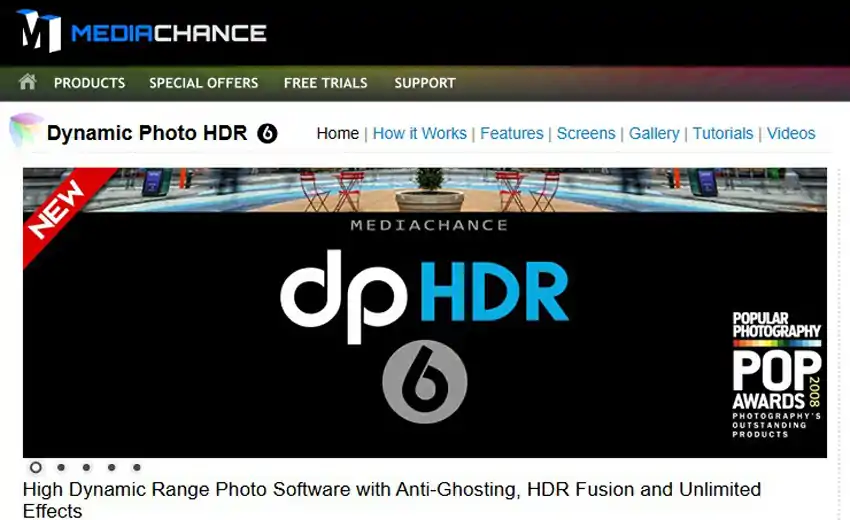
Dynamic Photo HDR is a balanced toolkit for photographers who want control and creativity in their HDR workflow. It offers multiple tone-mapping methods, masking tools, and artistic effects.
Unlike other HDR tools, it has layer masking, brush tools, and a choice of tone-mapping algorithms. This gives you control to selectively enhance parts of your photo.
Key Features:
- Multiple HDR tone-mapping methods including Local and Global tone algorithms
- Masking tools for local adjustments
- Ghost removal and exposure alignment
- Supports RAW, TIFF, JPEG, PNG
- Image filters and artistic effects
- Batch processing support
Pros:
✔️ Offers local editing and masking features
✔️ Good mix of automatic and manual controls
✔️ Multiple tone-mapping styles for creative output
✔️ Supports batch processing
✔️ No subscription—one-time purchase
Cons:
❌ Interface is outdated compared to modern alternatives
❌ Takes some time to learn the controls
❌ Slower performance on large RAW files
Price: One-time license around $59, with a free trial available
9. SNS-HDR– For Subtle & Natural-Looking HDR Results
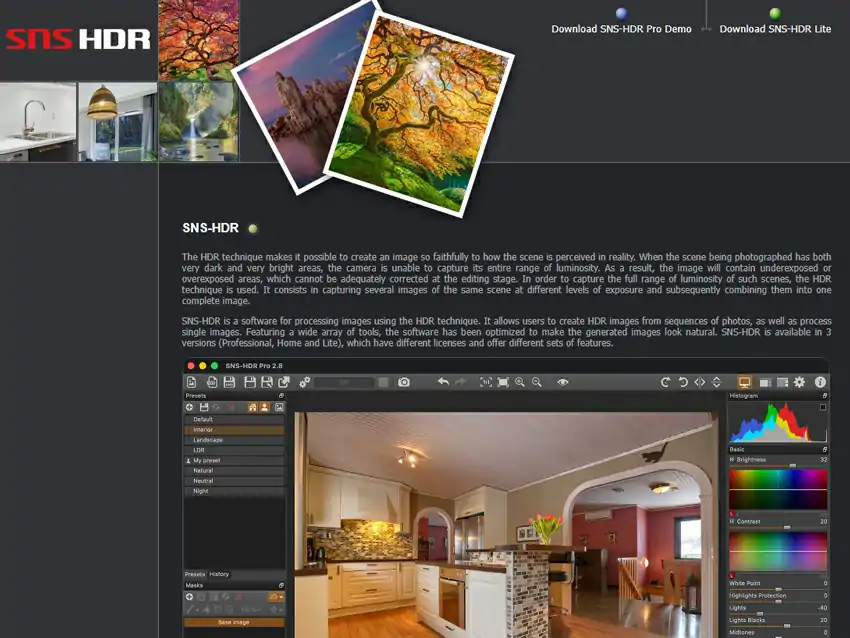
SNS-HDR is ideal for those who prefer realistic HDR images. This software, created by photographer Sebastian Nibisz, produces smooth, natural results perfect for professionals.
It focuses on true-to-life tones, preserving fine detail and smooth transitions. The tool supports merging multiple exposures, tone mapping, and local adjustments in a clean environment.
Key Features:
- Clean, natural tone-mapping engine
- Auto-align and merge multiple exposures
- Local editing tools for contrast, brightness, and color
- Supports RAW, JPEG, TIFF, PNG
- Batch processing available in Pro version
- High-quality output without halo or noise artifacts
Pros:
✔️ Extremely natural and professional-looking HDR images
✔️ Easy to use once you learn the interface
✔️ Free version available for basic use
✔️ Excellent for interior, real estate, and documentary photography
✔️ High-quality output, even from difficult lighting
Cons:
❌ Interface can feel a bit plain
❌ Not ideal for surreal or stylized HDR effects
❌ Batch processing only in Pro version
Price:
- SNS-HDR Home: Free (non-commercial use)
- SNS-HDR Pro: One-time license for around €30–€85 depending on the version
10. Fotor HDR – Beginner-Friendly HDR Editing
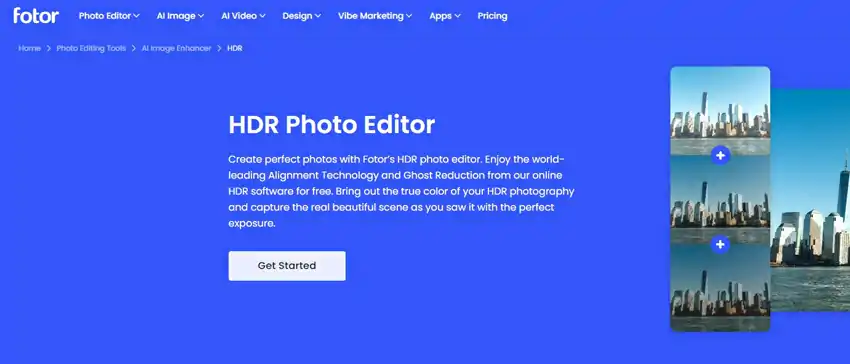
Fotor HDR is a simple and quick HDR solution. It’s part of the easy-to-use Fotor photo editing platform, available online and through apps.
Fotor HDR merges bracketed exposures and applies tone mapping, giving you a balanced photo with more depth and detail. It’s not for pros, but it’s great for quick edits and social media uploads. Plus, it’s online, so you don’t need to install anything.
Key Features:
- Merge up to 3 photos with different exposures
- Automatic tone mapping and detail enhancement
- User-friendly interface with minimal learning curve
- Available as web-based editor, desktop app, or mobile app
- Basic color, contrast, and lighting adjustments
- One-click presets for fast results
Pros:
✔️ Extremely easy to use—no technical skills needed
✔️ Online and mobile access (no download required)
✔️ Great for quick social media or blog-ready images
✔️ Free version available with core features
Cons:
❌ Not suitable for professional or high-resolution editing
❌ Limited to only 2–3 images per HDR merge
❌ Lacks manual controls and RAW support
Price:
- Free version available (with ads and limitations)
- Fotor Pro+ subscription starts around $7.49/month
So which one should you actually go with?
Honestly, it depends on what you’re doing and how hands-on you want to be.
If you like the idea of AI doing some of the work for you, Luminar Neo is worth trying. Want something dependable that just works without much thinking? Photomatix Pro or Lightroom’s HDR Merge will cover you. If total manual control is what you’re after, Photoshop HDR Pro or HDR Projects give you that. And if you’re just starting out, or don’t want to spend anything yet, EasyHDR, Luminance HDR, or Fotor HDR are all reasonable places to begin.
At the end of the day, none of this software can replace having a good eye for the shot. The best HDR image isn’t the one with the most dramatic sky or the punchiest colors. It’s the one that actually looks like the moment you were standing in. Pick whatever tool fits how you actually work, not the one with the flashiest feature list, and the results will follow.